
Yes, but It Depends on What Failed and How the Drive Was Damaged
Yes, data can often be recovered from a dead SSD, but success depends on the type of failure. Some drives stop working due to minor firmware errors or power issues. Others fail because of severe hardware damage. In many cases, SSD recovery is possible. The key is to stop using the drive right away and avoid making the problem worse.
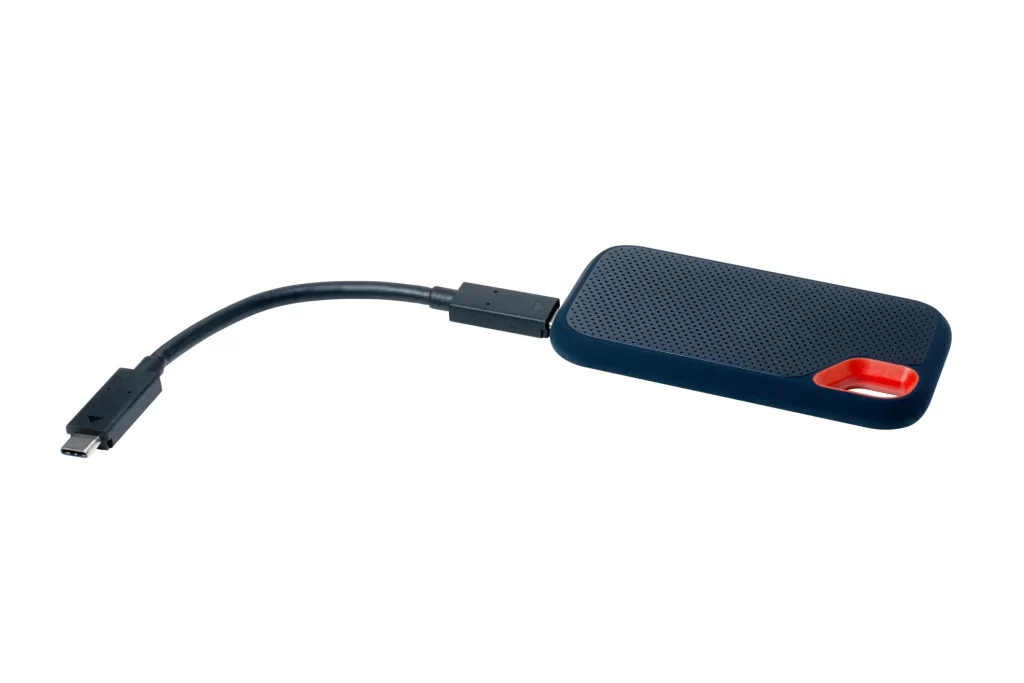
Common Symptoms of a Dead SSD
A failed solid-state drive does not always act the same way as a broken hard drive. Since SSDs have no moving parts, the warning signs can be less obvious.
- The computer will not boot up
- The SSD does not show in BIOS
- Files suddenly disappear
- You see frequent error messages
- The drive shows 0 bytes or wrong size
- The system freezes during file access
If you notice these signs, stop saving new files to the drive. New data can overwrite old data, which lowers recovery chances.
What Usually Causes SSD Failure
SSDs fail for different reasons than old hard drives. Here are the most common causes:
- Firmware corruption
- Power surges or unstable power supply
- Controller chip failure
- NAND memory wear over time
- Physical damage from drops or impact
- Electrical damage from a faulty charger
Many modern SSDs also use TRIM commands. TRIM can permanently erase deleted files to improve speed. This can make SSD recovery harder if too much time has passed.
What to Check First Before Calling a Professional
Before assuming the drive is fully dead, run a few simple checks:
- Try a different SATA or USB cable.
- Use another port on your computer.
- Connect the SSD to another computer.
- Check if it appears in Disk Management.
- Listen or look for signs of power activity.
Sometimes the issue is not the drive. It could be a bad cable or motherboard problem. If the SSD is detected but unreadable, data recovery software may work. If it is not detected at all, the issue is likely hardware-related.
Safe Fixes Vs Pro-Level Fixes
There are safe actions you can try at home. There are also steps that should be handled by experts.
Safe actions:
- Use trusted data recovery software if the drive is accessible
- Create a sector-by-sector clone of the SSD
- Stop using the drive once files are recovered
Pro-level fixes:
- Controller repair or replacement
- Chip-off NAND recovery
- Firmware rebuilding
- Advanced SSD recovery using specialized lab tools
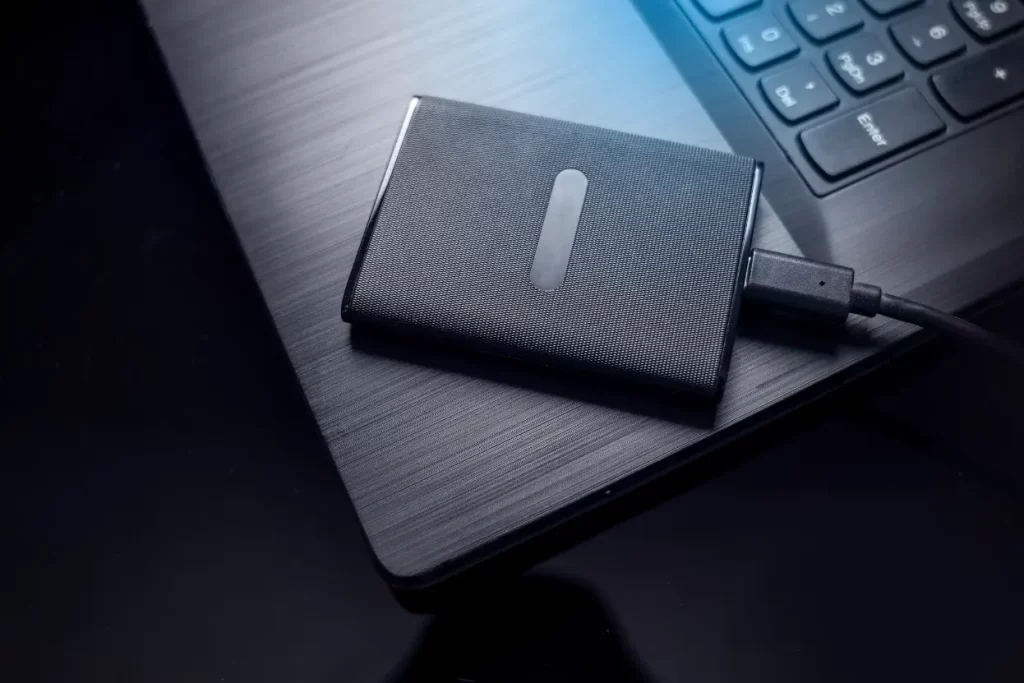
Opening an SSD at home is risky. Unlike a hard drive, SSD chips require special tools and clean handling. One mistake can permanently damage the memory chips.
Can Data Always Be Recovered?
No. In some cases, data cannot be saved. If the NAND memory chips are badly damaged, recovery may not be possible. If TRIM has erased the data blocks and they were not backed up, those files may be gone.
Still, many failed drives can be repaired long enough to copy the data. Success rates are higher when the problem involves firmware or controller failure instead of burned memory chips.
Prevention Tips for the Future
Even though SSDs are fast and reliable, they do not last forever. You can reduce the risk of data loss with simple habits:
- Keep regular backups on an external drive
- Use CLOUD storage for critical files
- Install a surge protector
- Update firmware when recommended
- Avoid filling the SSD to 100 percent capacity
Prevention costs much less than emergency data work. One backup can save years of photos, business records, or school files.
When to Call for Professional Help
If the SSD is not detected anywhere, smells burned, or stopped after a power surge, it is time to call a data recovery specialist. Businesses that rely on servers, laptops, or workstations should act fast. Attempting random fixes can reduce the chance of success.
Professional SSD recovery services use controlled environments and advanced tools. This level of care is often needed for chip-level repairs and serious failures.
Get Help With Failed SSD Data
If your drive has stopped working in Los Angeles, CA, we can help you understand your options and next steps. At Magic Computer Repair, our team handles advanced SSD recovery cases for personal and business devices. Call us at (818) 962-1263 to speak with us about your situation and find out what can be done to recover your important files.