
Warning Signs Your Solid State Drive May Need Expert Help
If your device suddenly cannot read your files, keeps freezing, or shows error messages about a missing drive, you may need professional SSD recovery. SSDs are fast and reliable, but when they fail, they often fail without warning. If basic restarts and simple checks do not fix the issue, it is time to look at expert data recovery help.
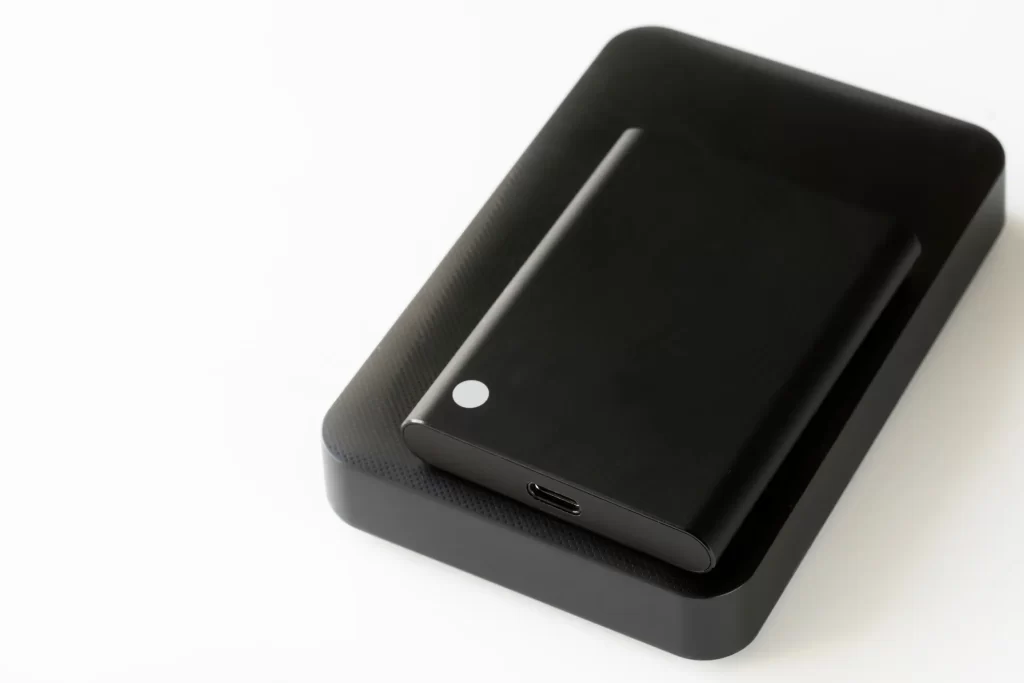
Quick Diagnosis Summary
SSD failure can happen fast. Unlike old hard drives, SSDs do not usually make clicking sounds before they stop working. One day everything works. The next day your files are gone. If your system does not detect the drive, shows strange file names, or asks you to format the disk, these are strong signs something is wrong at a deeper level.
Common Symptoms
Here are the most common signs that point to a failing solid state drive:
- Your device will not boot and shows a “no boot device” error.
- The SSD is not showing up in BIOS or disk management.
- Files are missing or suddenly corrupted.
- You get repeated blue screen errors.
- The system freezes when accessing certain folders.
- You are asked to format the drive before use.
If you notice one or more of these issues, stop using the drive right away. Continued use can lower the chance of full recovery.
Likely Causes
SSD problems can come from several sources. Power surges are a major cause. A small spike can damage the controller chip inside the drive. Firmware corruption is another issue. When firmware fails, the SSD may not respond at all.
Physical damage is also possible. Dropping your device or exposing it to heat can affect internal components. In business settings, heavy daily use can wear out memory cells over time. Even normal aging can lead to failure after years of service.
Some failures relate to the wider hardware environment, including motherboard faults or power supply problems. Strong data recovery services will test for both drive failure and related hardware issues before starting SSD recovery.
What to Check First
Before calling a professional, you can safely check a few simple things:
- Restart your device and enter BIOS to see if the SSD appears.
- Try a different cable or port if it is a desktop system.
- Connect the SSD to another device using an external enclosure.
- Check for visible burn marks or a strong electrical smell.
If the drive is completely invisible or makes the system freeze when connected, do not run repair software. Many online tools claim to fix SSD errors, but they can overwrite important data. This makes professional SSD recovery harder.
Safe Fixes Vs Pro-Level Fixes
Some issues are simple. A loose connection or outdated driver can cause detection problems. Updating drivers or reconnecting cables is safe to try.
However, deeper issues require expert tools. If the controller chip is damaged, the NAND memory must be accessed directly. This takes special equipment and training. Firmware rebuilds also require manufacturer-level tools. Attempting these fixes at home can cause permanent damage.
Professional SSD recovery labs use clean environments and advanced hardware to read raw data from memory chips. This is not something standard repair shops can usually handle.
Prevention Tips
You cannot stop every failure, but you can lower your risk:
- Back up data at least weekly.
- Use a surge protector or UPS system.
- Keep your system updated.
- Avoid filling the SSD to full capacity.
- Shut down your device properly.
Regular backups are the best protection. Many businesses use both CLOUD and local backups for added safety. Even with good care, SSDs still have a limited lifespan.
When to Seek Professional Help
If your SSD is not detected at all, if files are highly valuable, or if you hear about firmware failure from a technician, it is time for professional help. The longer a damaged SSD stays powered on, the greater the risk of data loss.
Do not format the drive. Do not reinstall your operating system. Do not run random repair software. Instead, power off the device and speak with a qualified SSD recovery specialist who can evaluate the problem safely.
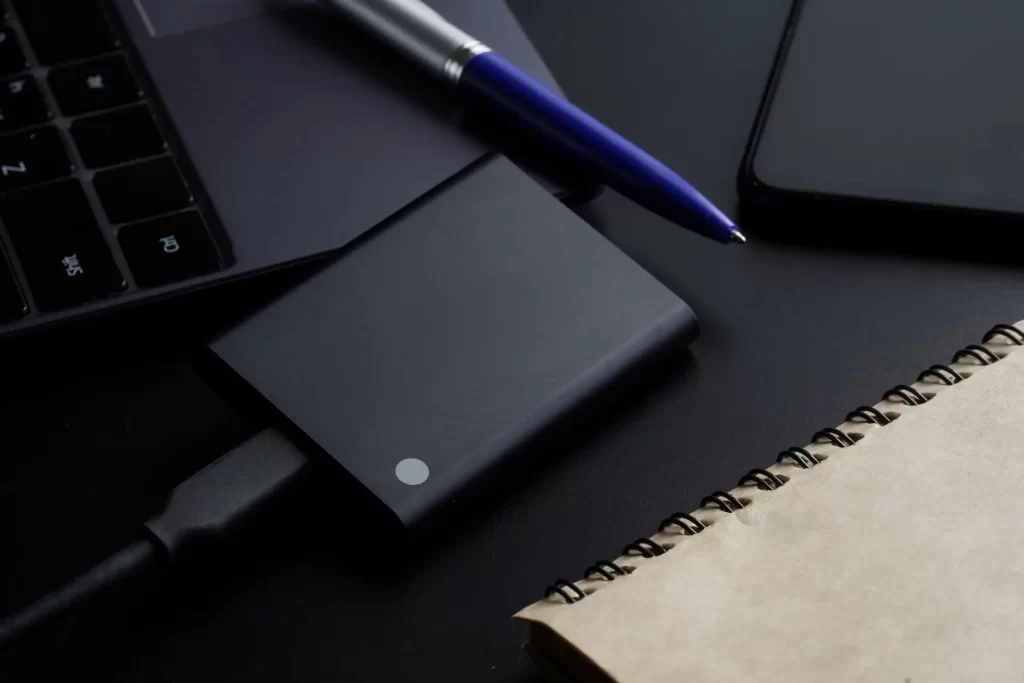
Get Expert Help for Your SSD
If you are in Los Angeles, CA and facing sudden data loss, our team at Magic Computer Repair is ready to help. We use advanced tools and careful methods to handle complex SSD recovery cases while protecting your data. Call us at (818) 962-1263 to speak with our team and learn the next best step for your device.